
Game to Learn Figma Key Sequences
 FigCuts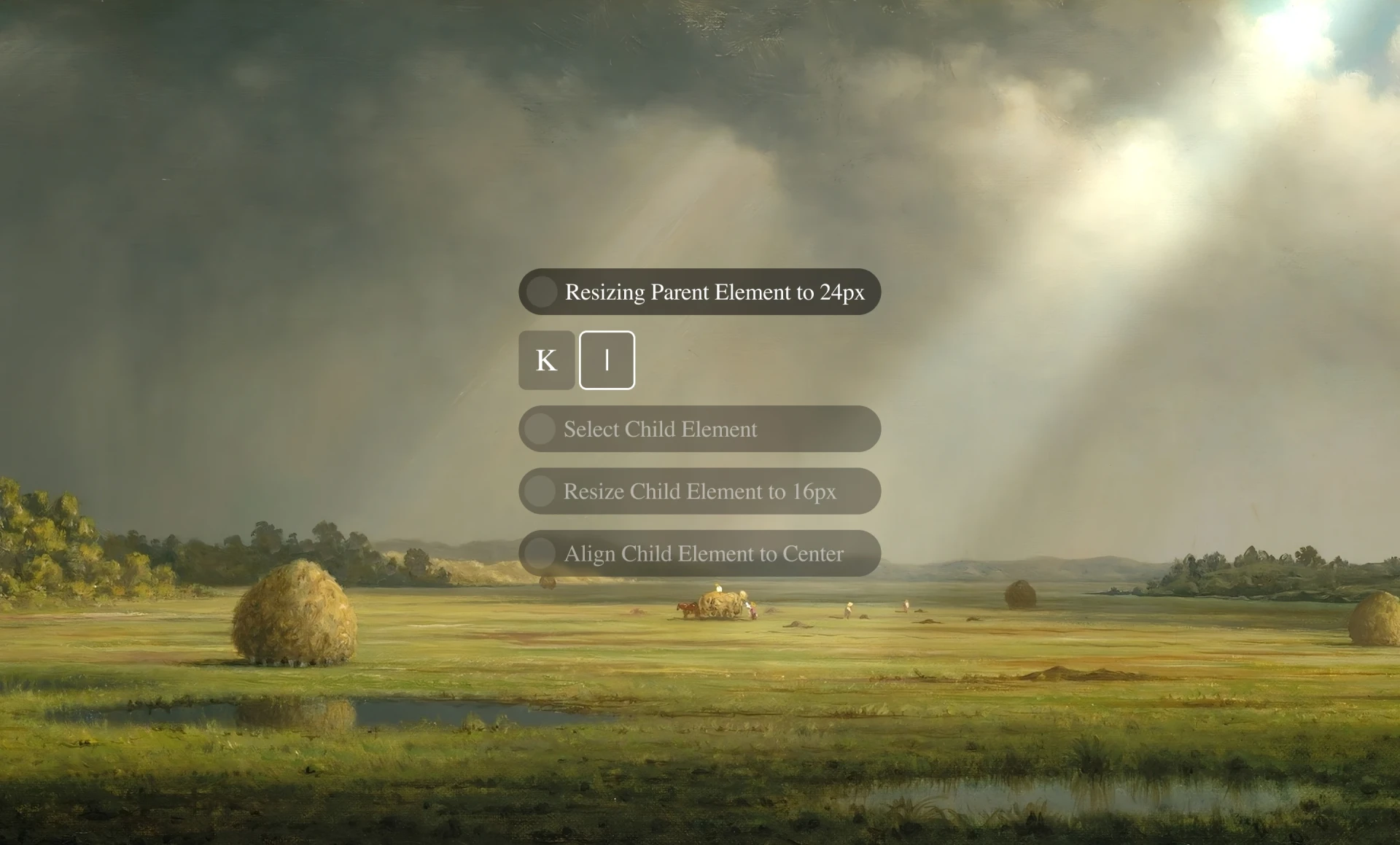
The Itch
My friends kept asking me how to get faster with Figma.
Most of the time it isn't any single shortcut. It's the sequence. The little chain of keys you do without thinking when you want to wrap a frame in auto-layout, or align a bunch of layers, or jump into the right child element.
So instead of writing yet another shortcut cheatsheet, I thought it would be more fun to turn these sequences into a small game you could just sit and play.
Curating the Moves
Figma has hundreds of shortcuts. Most of them I never touch.
So instead of dumping the whole list, I picked the small set of sequences I actually use every day. Resizing parent elements, auto-layout conversions, inverse selection, tidying up spacing, jumping into children, multi-edit text, the alignment chains. The stuff that genuinely makes a difference between slow and fast.
Each sequence became a named challenge with a real Figma-style outcome. So you're not just memorising keys, you're learning a move.
Designing the Experience
I wanted the whole thing to feel calm. No timer ticking down, no streak counters, no leaderboards trying to make you anxious. Just you, a quiet background, and the next move.
So I designed it in Figma with a soft landscape backdrop, Times New Roman throughout, and pill-shaped step rows that almost look hand-set. It feels more like a book than an arcade.
Icon Guide
Before you start playing, I wanted to show you the custom icons used across the challenges. Things like Shift, Cmd, Option and Click all needed their own little glyphs so the prompts could stay short and readable.
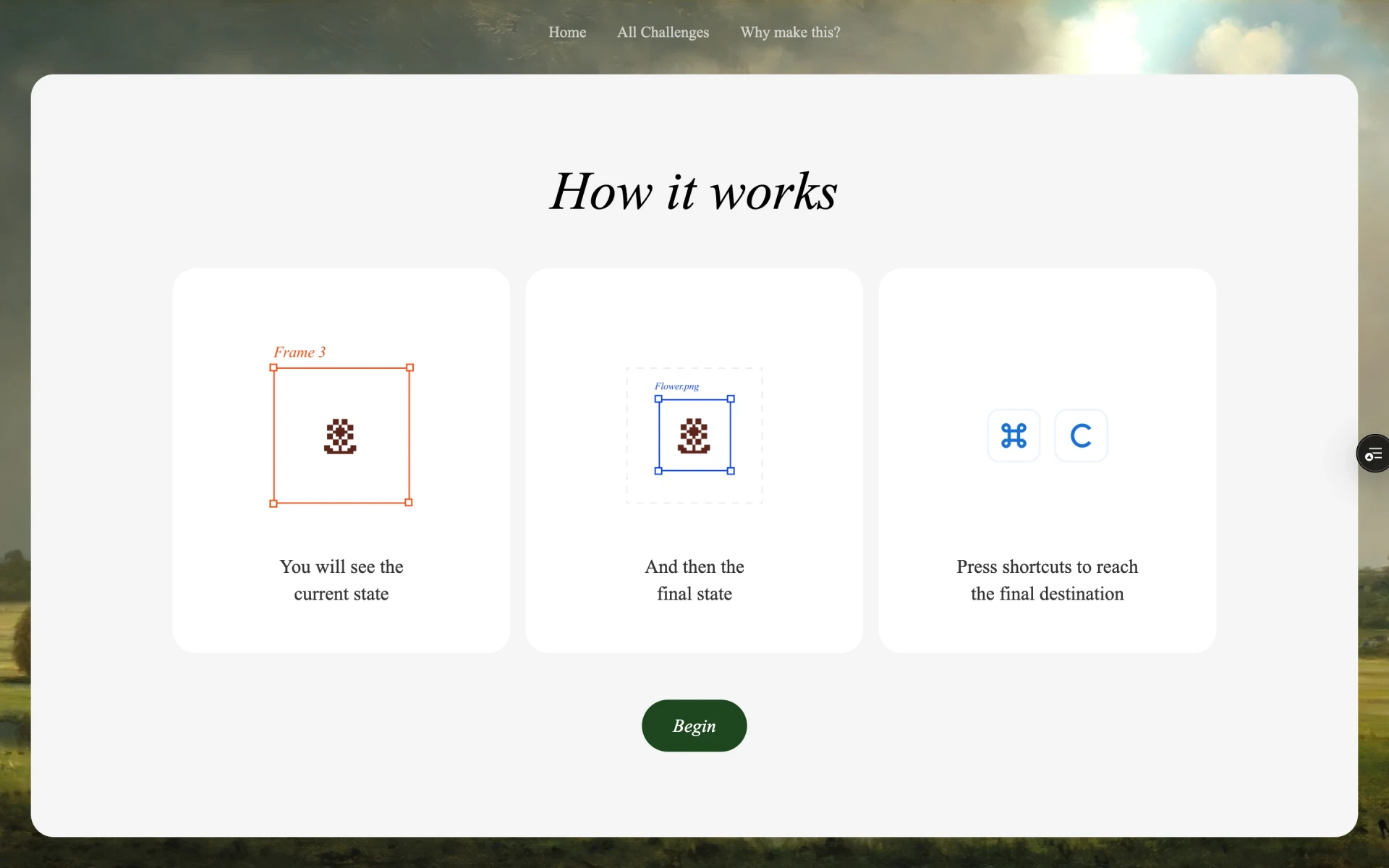
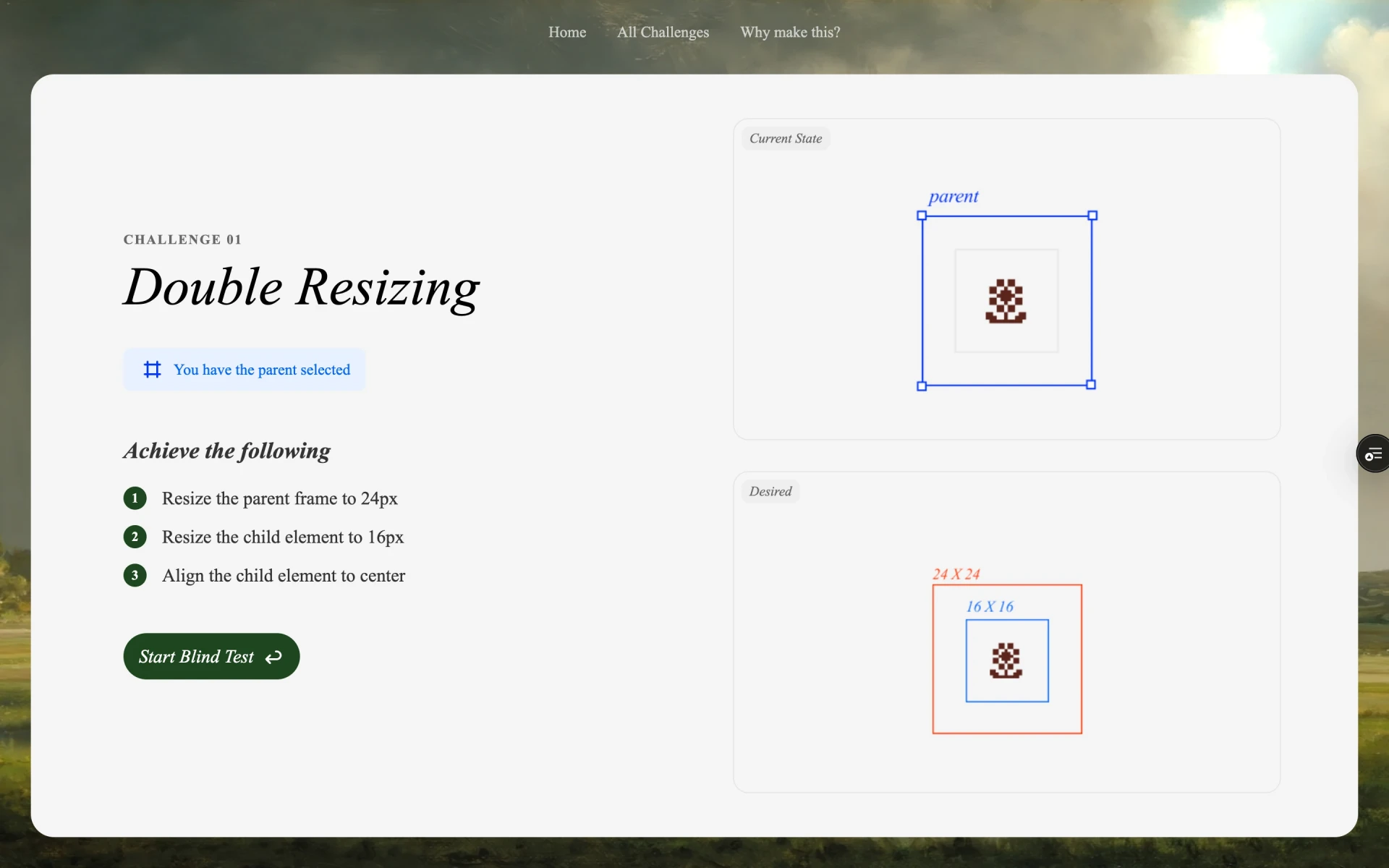
Challenge Intro
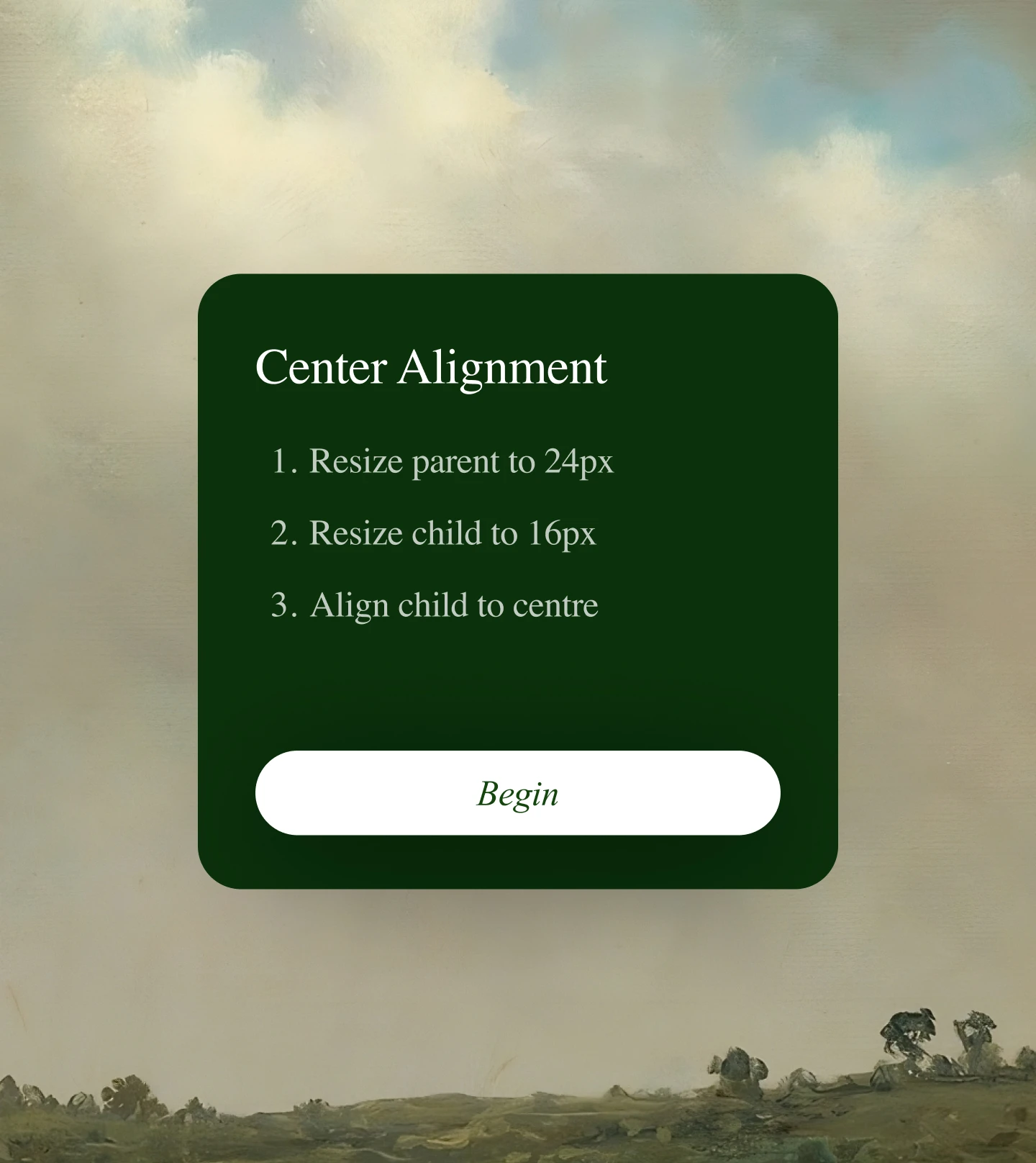
Each challenge opens with a small intro card that explains what you are about to do. So you know the outcome before you start pressing keys.
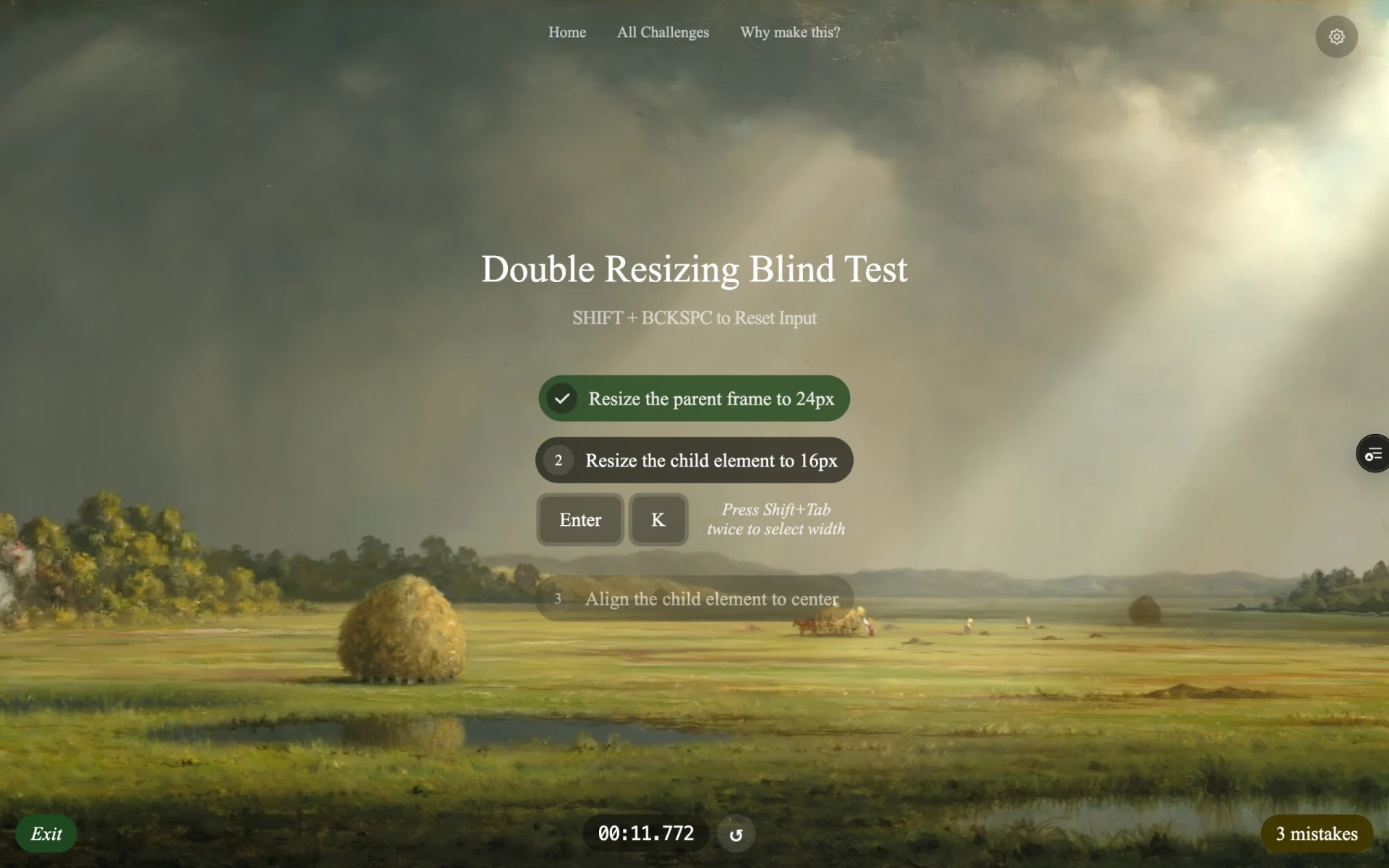
The Keystroke Engine
Under the hood, the trickiest part was the keystroke engine.
Browsers handle modifier keys differently across operating systems. Cmd vs Ctrl, Option swallowing characters on Mac, dead keys, the order in which keys are released. It all matters when you are trying to detect a precise sequence like Cmd Shift A then Shift A.
So I built a small Angular engine that listens to keydown events globally, normalises modifiers across platforms, tracks which step of the challenge you are on, and only advances you when the exact combo for that step is pressed.
If you press something wrong, it counts as a mistake but doesn't reset the challenge. You can keep going, or use Shift Backspace to clear your input and try the step again.
Feedback Loops
The whole point of the game is to get faster, so I needed feedback that actually helps you improve.
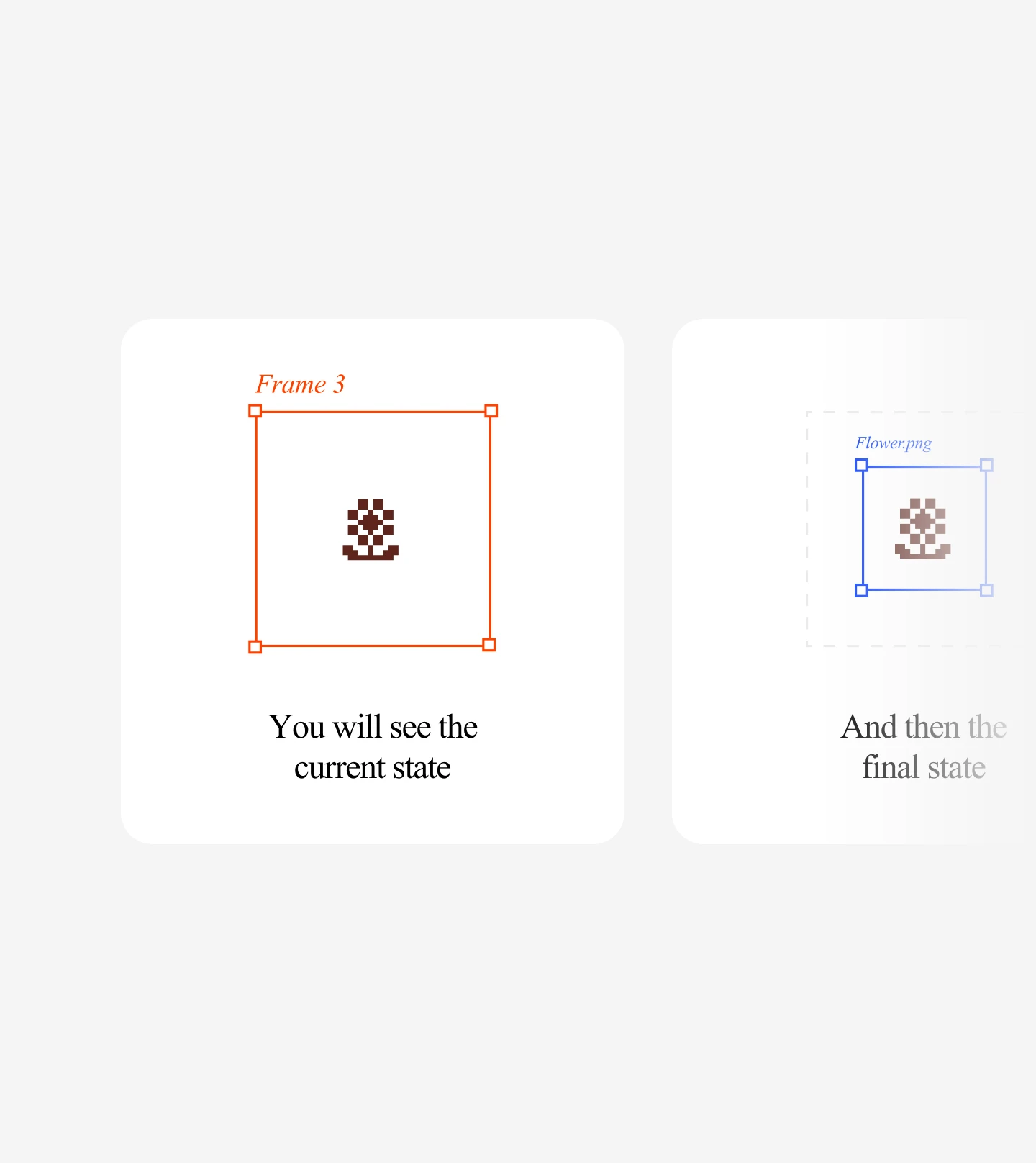
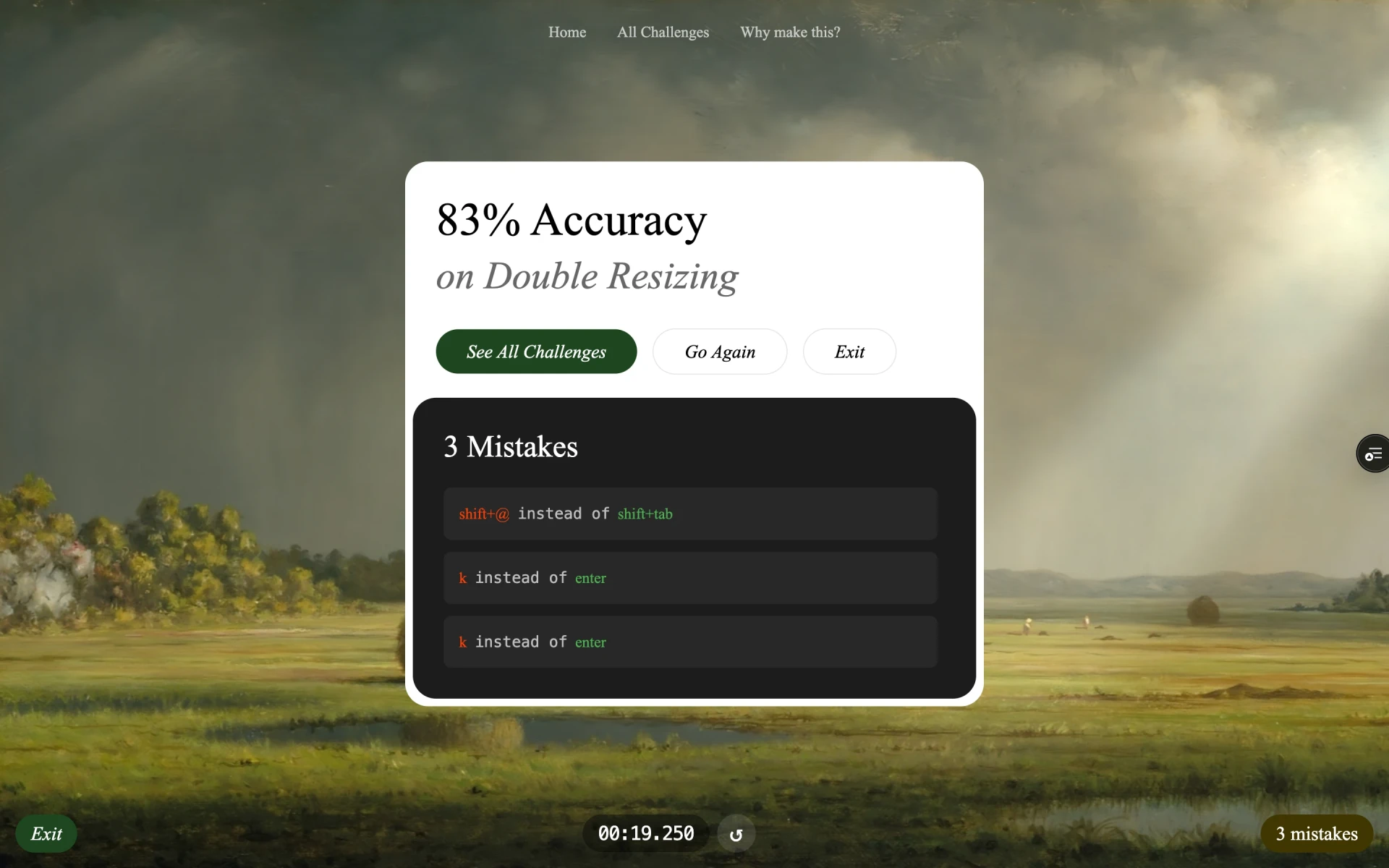
A live timer in the footer counts your milliseconds. A mistake counter tracks how many wrong keys you have pressed, and hovering it shows a small tooltip with each step's expected keys vs what you actually pressed. So when you are reviewing, you can see exactly where your fingers slipped.
At the end of each challenge, you get a review screen with your time and mistakes laid out. No score, no judgment. Just the data, so you can take another shot at it.
Shipping
I built the whole thing in Angular and deployed it on Vercel.
There is an All Challenges page with search and difficulty filters, so you can jump straight to the ones rated 1, 2 or 3. And since the entire game is keyboard-only, mobile users get a friendly block screen instead of a broken experience.
Design to deploy took about 2 weeks. You can try it at figma-shortcuts.vercel.app.